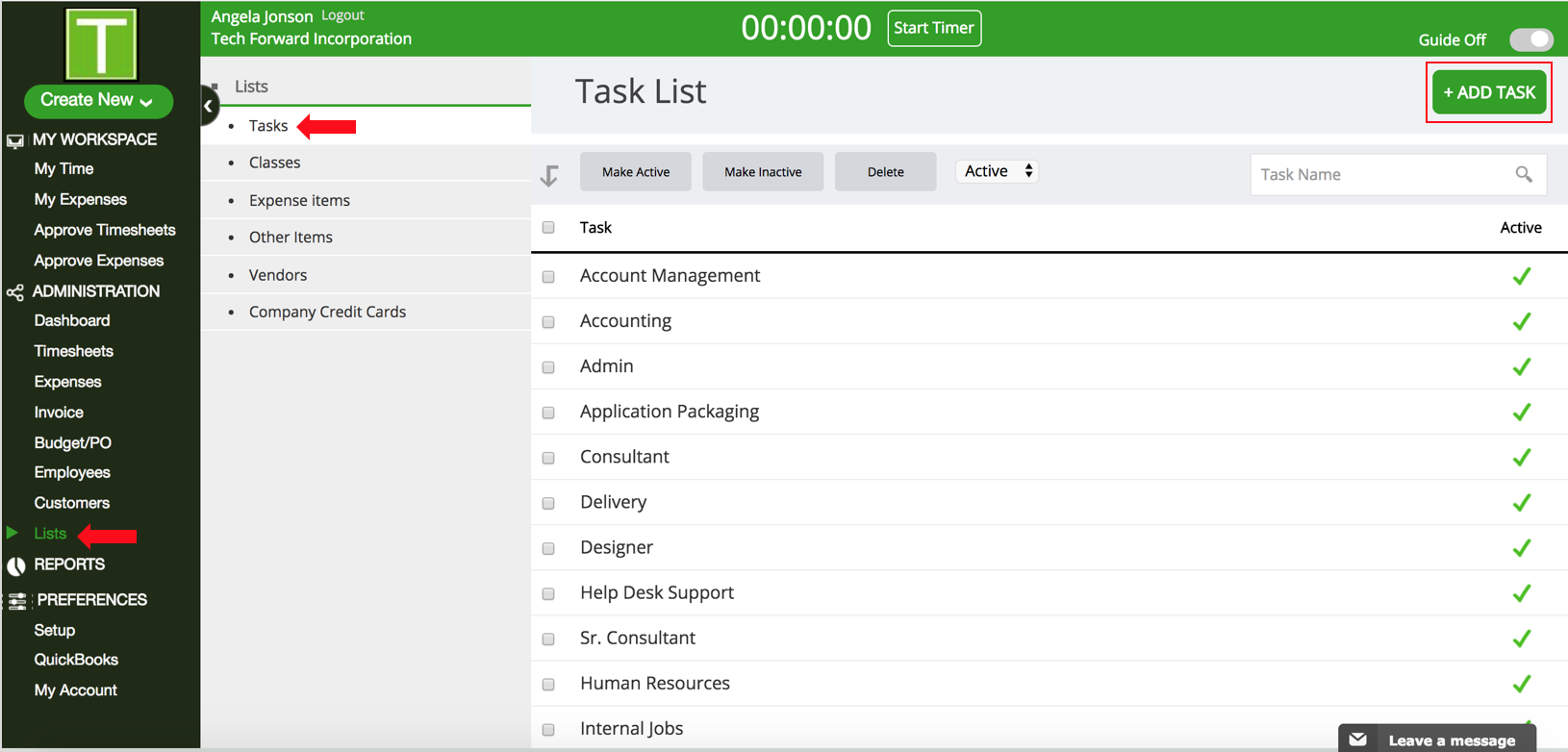
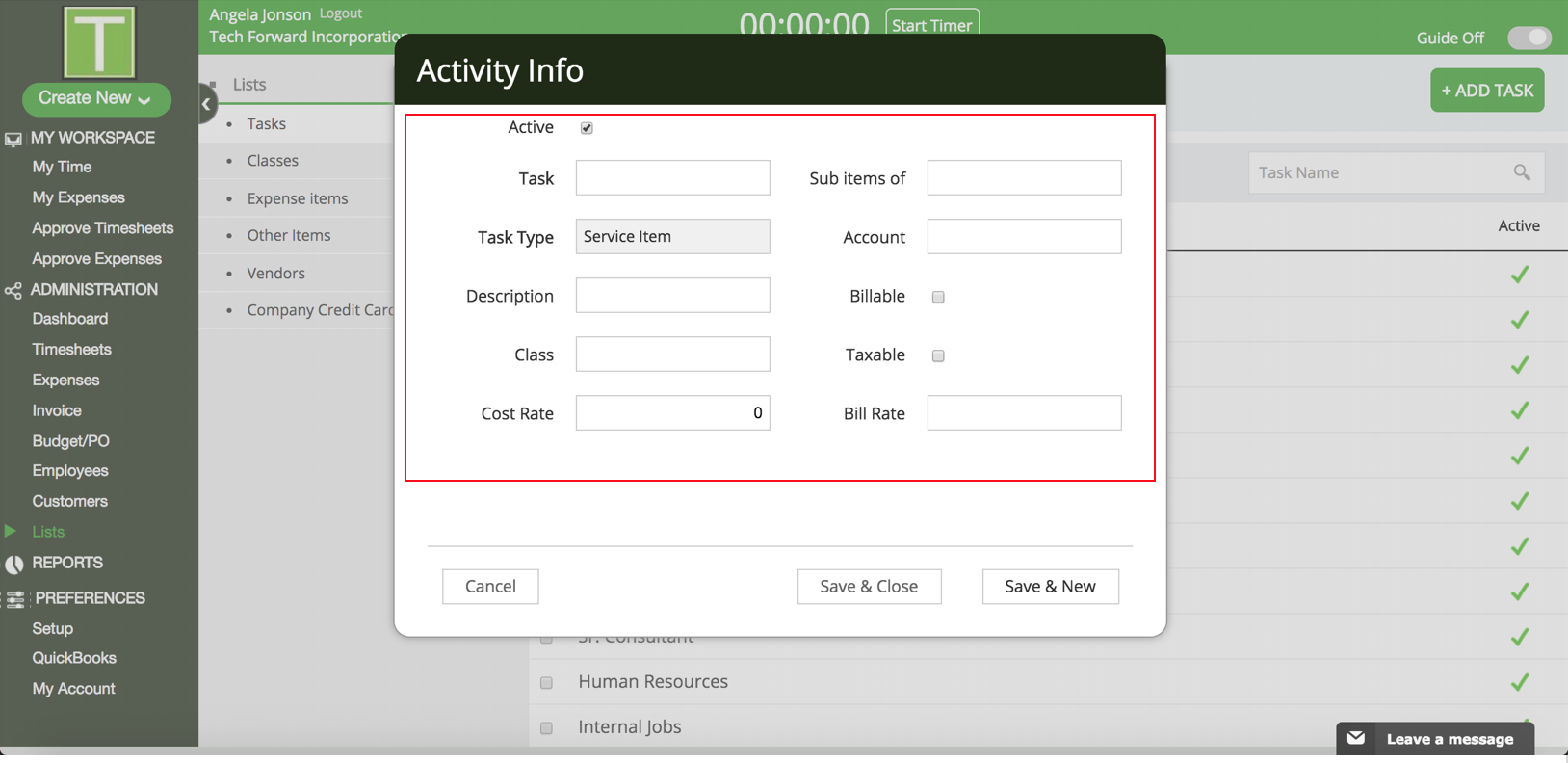
How do I add new tasks to TimeRewards? TimeRewards Software August 22, 2024 08:01 Follow Click on Lists in the Sidebar. Go to Tasks and click on the +Add Task button. Enter the Task details in the popup. Click save & close. Have more questions? Submit a request 0 Comments Please sign in to leave a comment.

0 Comments