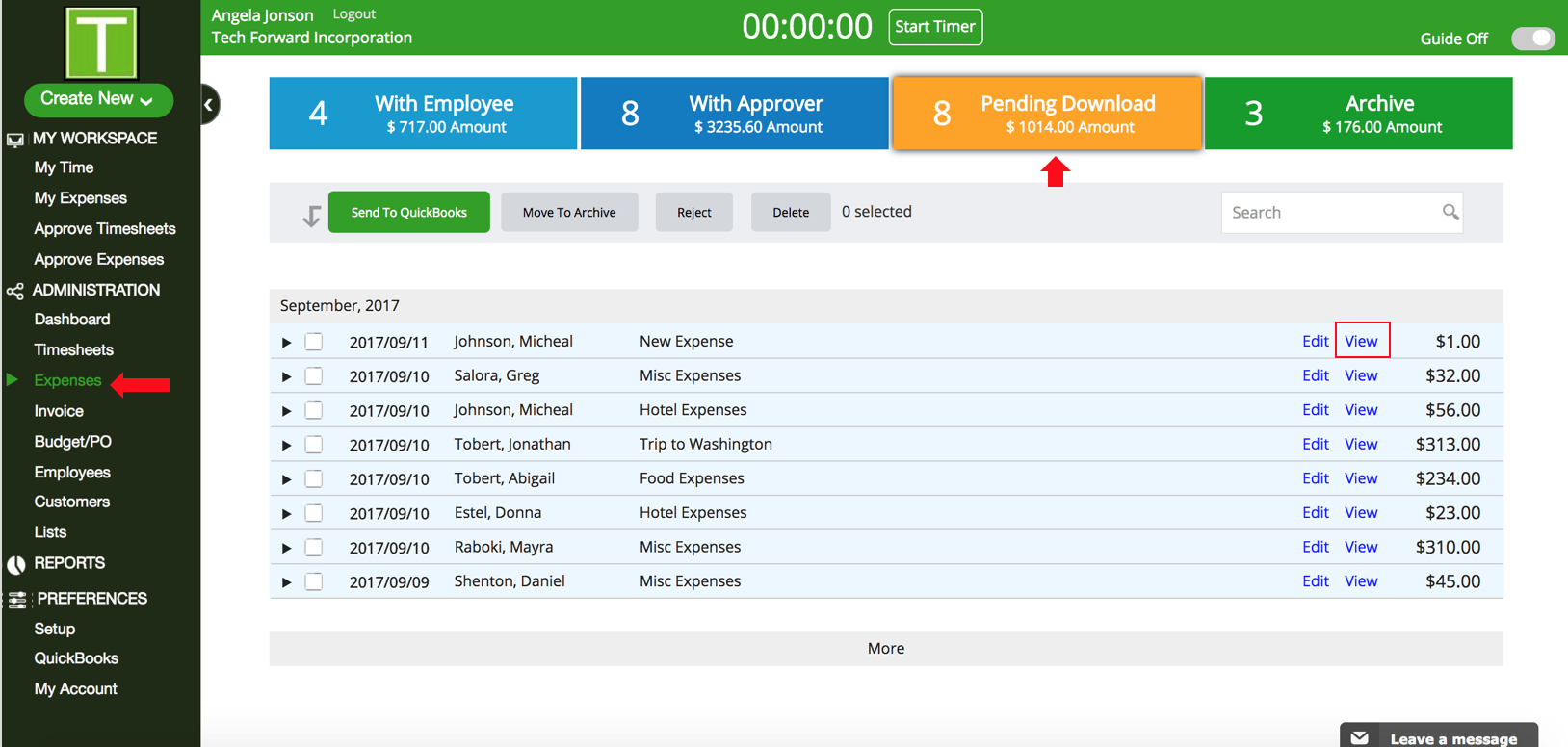
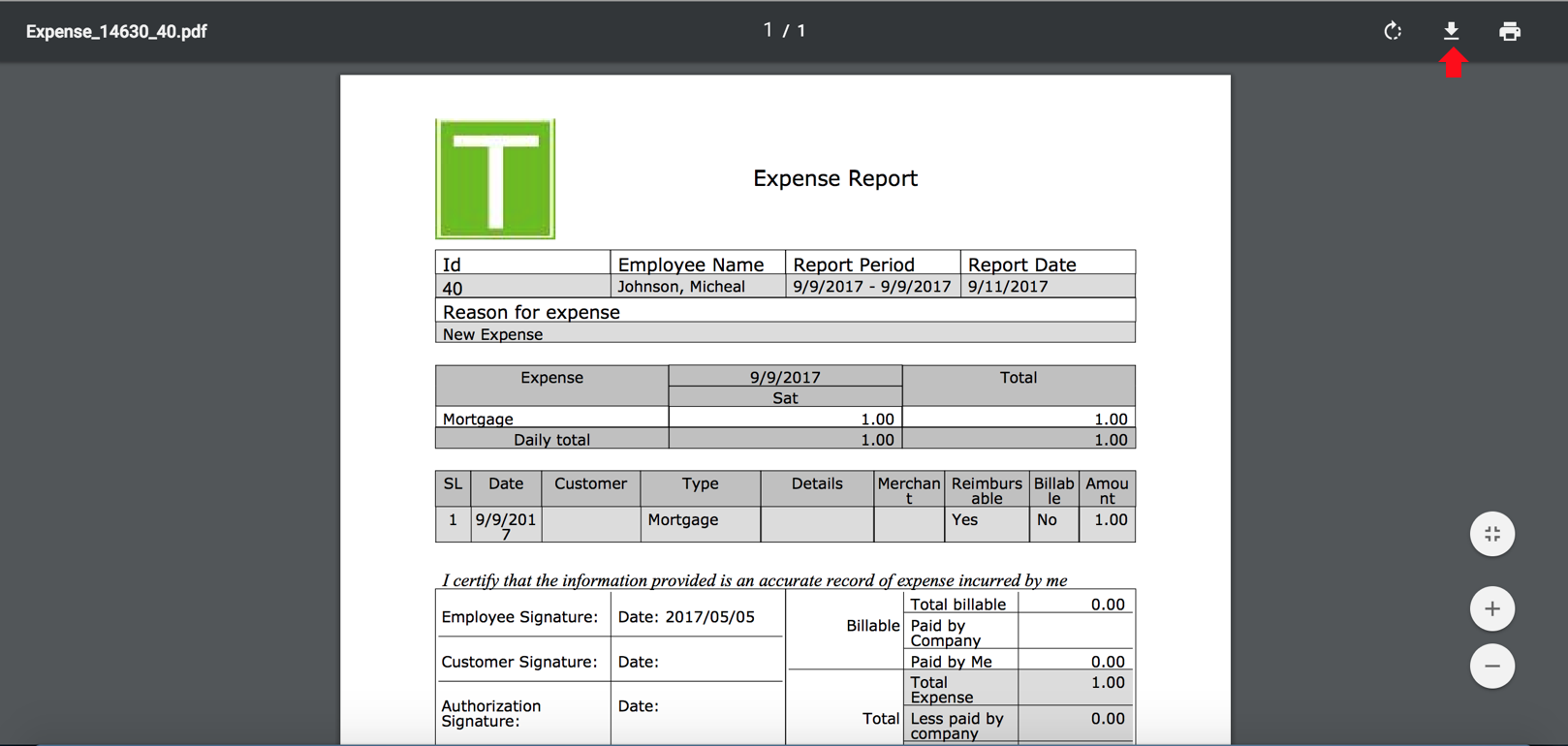
How do I print expenses? TimeRewards Software August 22, 2024 08:46 Follow Go to Expenses. Click on Pending Download. You will see the View option on the expenses. Click on the one that you want to print. The expense report will open in a PDF format. Click on the print option to print the document. Have more questions? Submit a request 0 Comments Please sign in to leave a comment.

0 Comments