
If you use QuickBooks:
It is recommended that you create payment terms in QuickBooks and then sync it with TimeRewards.
If you do not use QuickBooks:
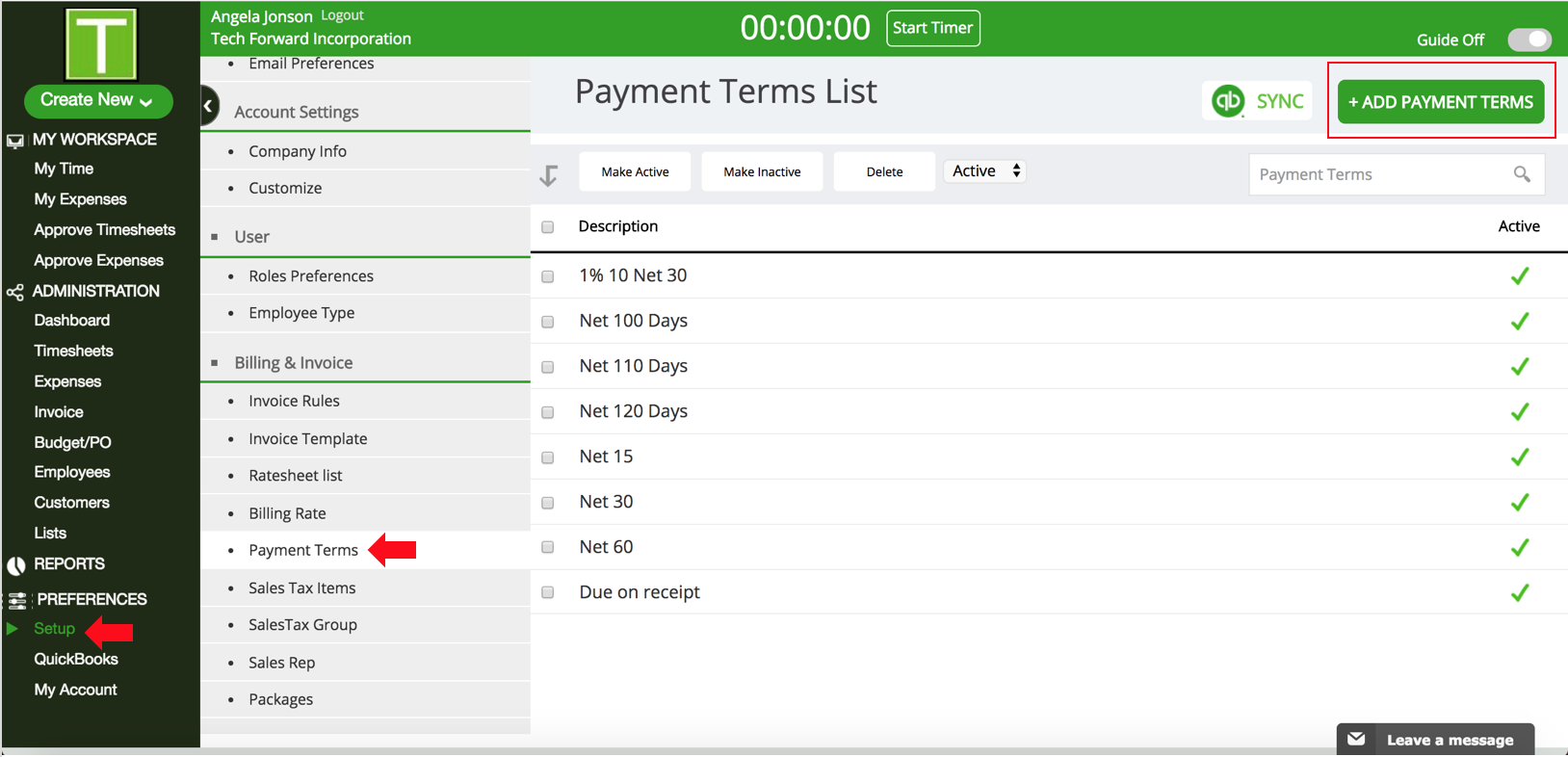
- Click on Setup under Preferences
- Click on Payment Terms under Invoice
- Click on +Add Payment Terms
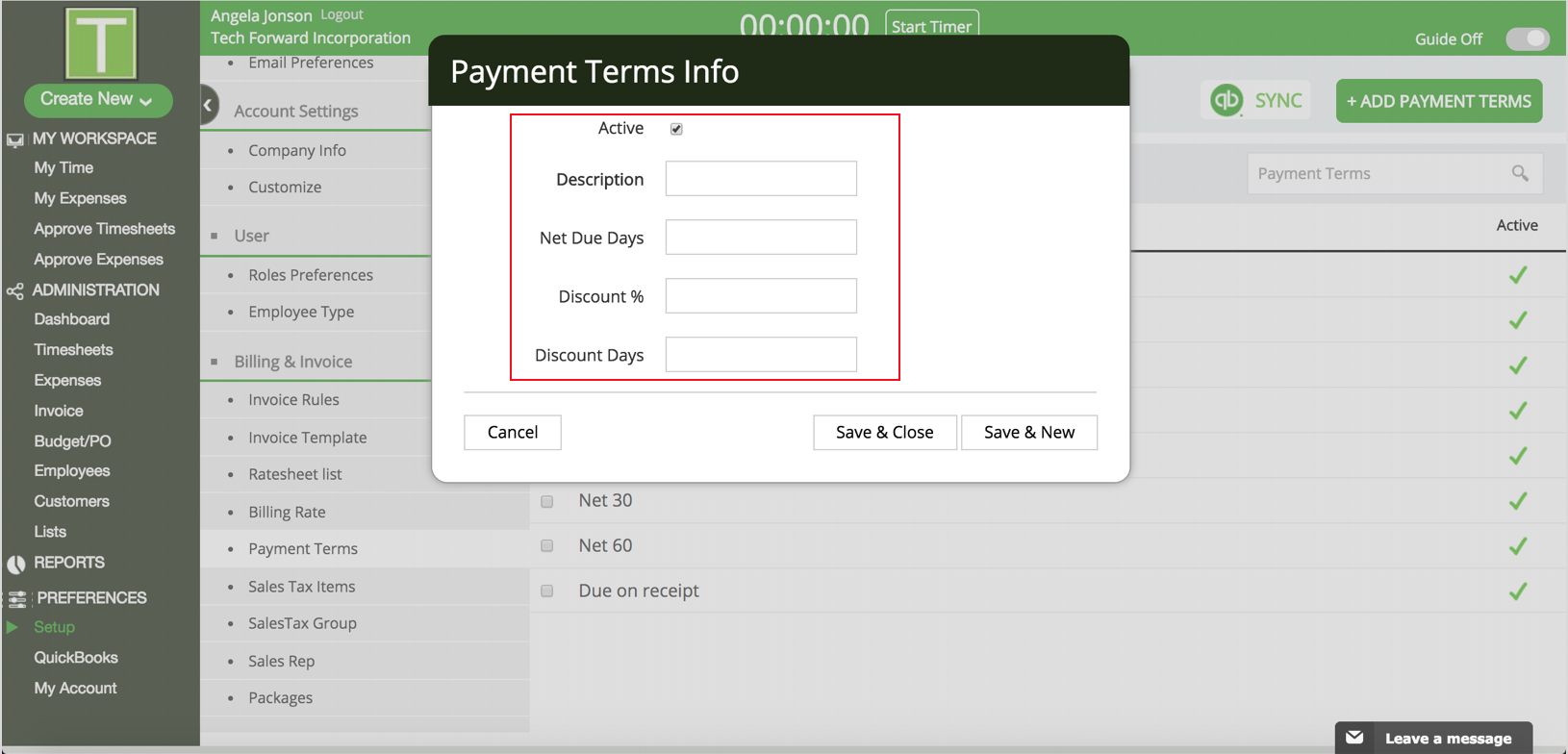
- In the popup, enter Description, Net Due Days, Terms Discount(Optional) and Discount Days(Optional). Check the Active box and click Save & Close.
0 Comments